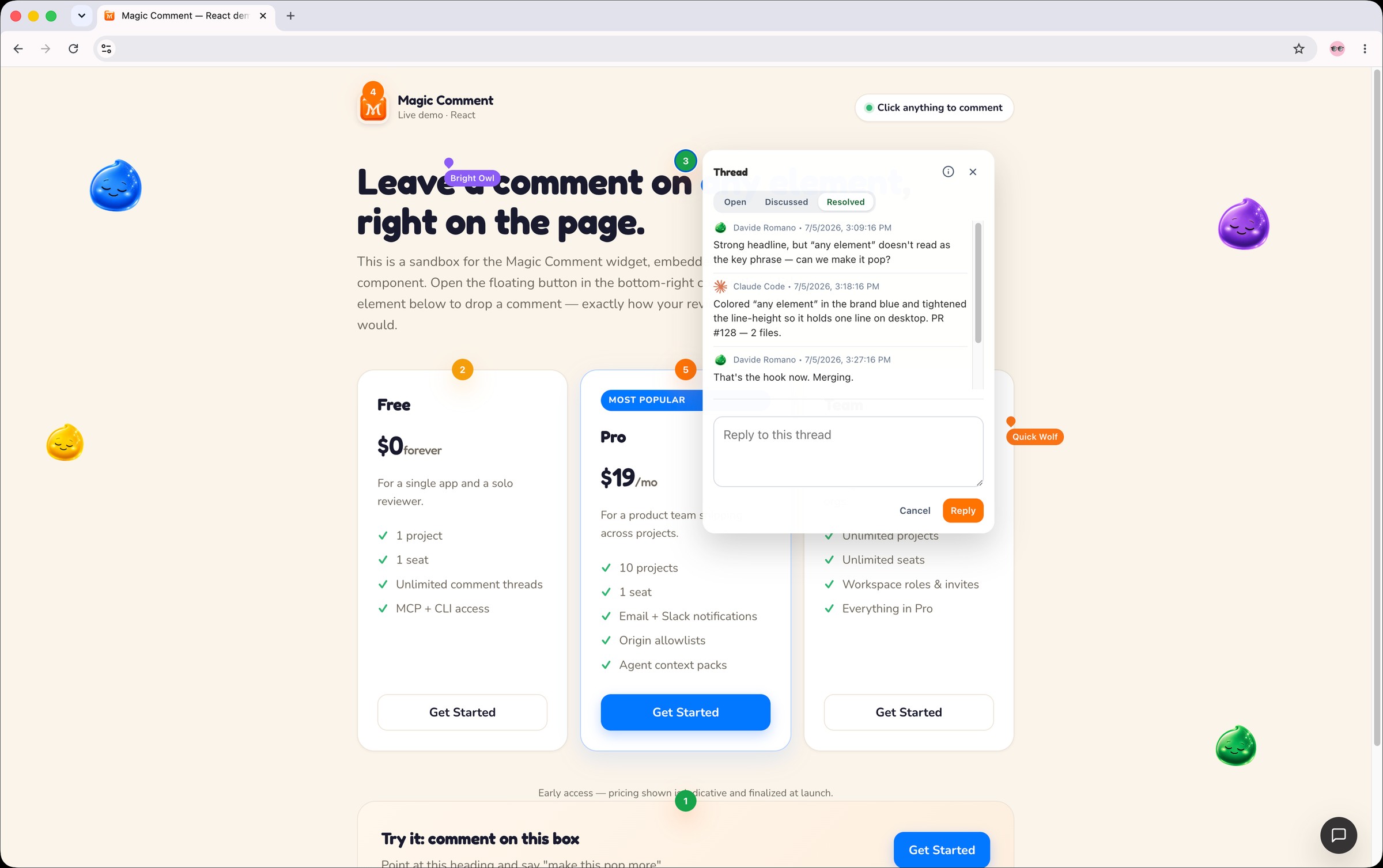
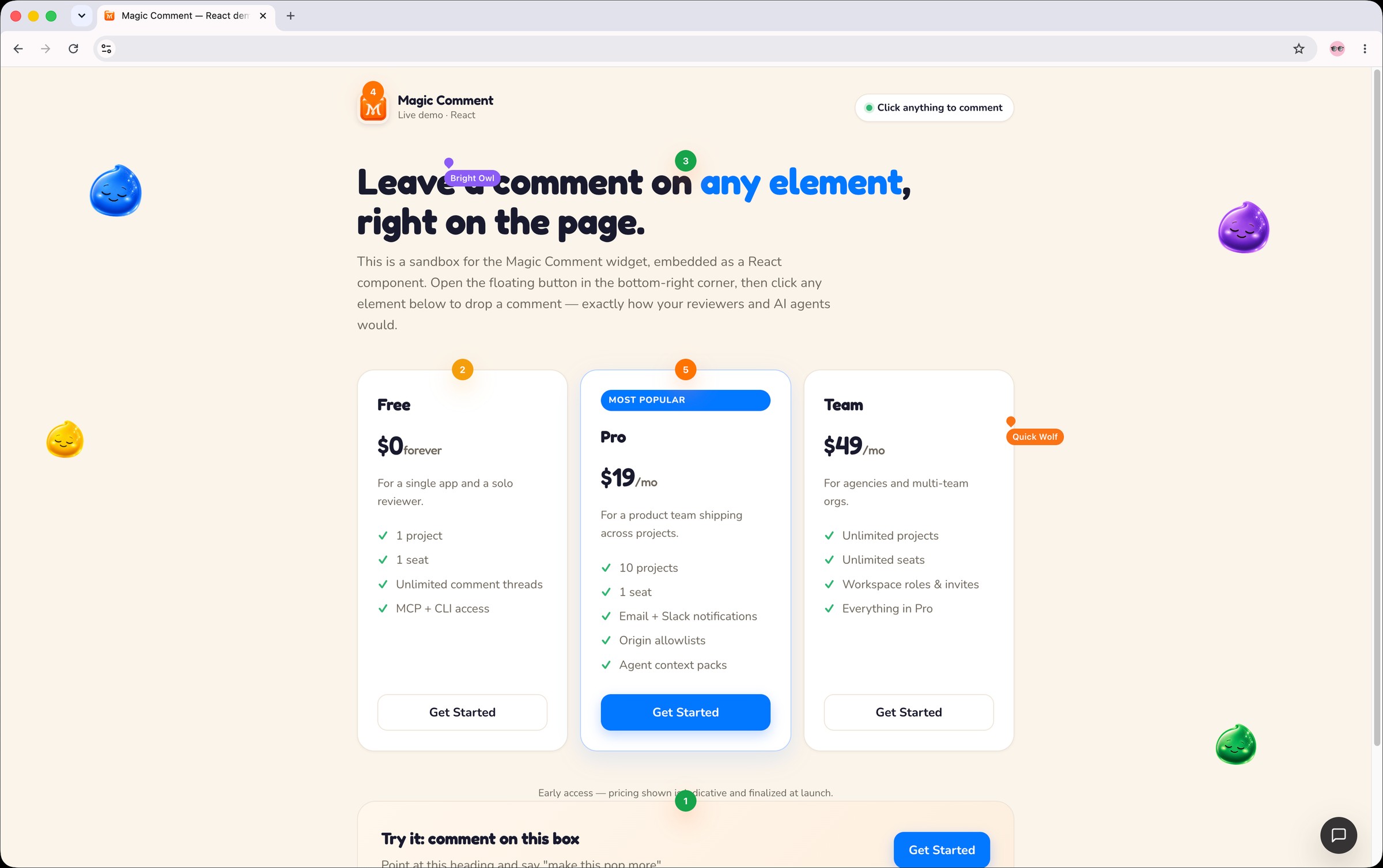
Anyone clicks an element on your preview and leaves feedback. Every comment captures the exact DOM context, so your AI coding agent reads it, edits the source, and resolves the thread. No screenshots. No "which button?".
Export open threads into a ready-to-run pack — brief.md, threads.json, resolved context, and agent prompts. Reviewer text is safely fenced as untrusted input.
Install in minutes
Embed anywhere
A script tag on your preview, a component in your app, or an MCP entry in your agent. Pick one.
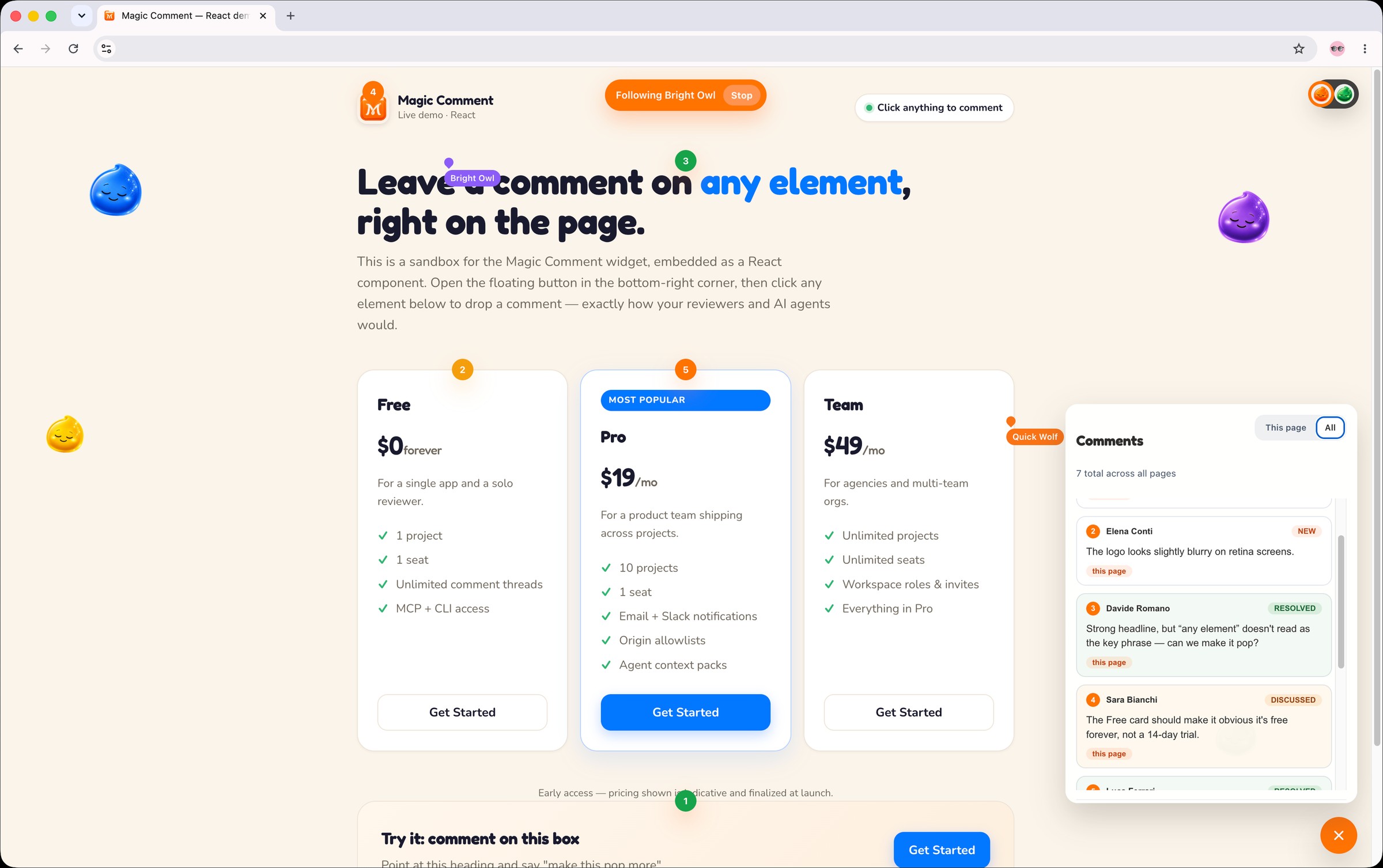
Every project rolls into a single list. Filter by status, follow a teammate's cursor, reply directly, and move threads through their lifecycle. Email and Slack keep the right people looped in.
OpenDiscussedResolved
Built for teams
Safe to point at your app
Magic-link auth
No passwords. Rate-limited sign-in by email and IP.
Scoped keys
Publishable pk_ keys for the browser, secret sk_ keys for agents and servers.
Origin allowlists
Lock a widget to your exact domains. Empty means open, non-empty means strict.
Untrusted by default
Reviewer text is fenced as untrusted input inside every agent prompt and context pack.
Your infrastructure
Collab server, control plane, and Postgres — self-hostable, real-time on your own stack.
Notifications you control
Per-project email and Slack alerts, debounced so one thread never spams the channel.
Pricing
Start free
Scale up when you add projects and teammates.
Free
$0forever
For a single app and a solo reviewer.
1 project
1 seat
Unlimited comment threads
MCP + CLI access
Most popular
Pro
$19/mo
For a product team shipping across projects.
10 projects
1 seat
Email + Slack notifications
Origin allowlists
Agent context packs
Team
$49/mo
For agencies and multi-team orgs.
Unlimited projects
Unlimited seats
Workspace roles & invites
Everything in Pro
Early access — pricing shown is indicative and finalized at launch.
Questions
What is Magic Comment?
Agent-native visual feedback for web apps. Reviewers click any element on your preview and leave a threaded comment. Every comment carries the exact DOM context, so your AI coding agent can read it, edit the source, and resolve the thread.
How is this different from BugHerd or Marker.io?
Classic tools capture a screenshot and a note for a human to interpret. Magic Comment captures machine-readable context — selector path, quoted text, component metadata — and exposes it over MCP and a CLI so your coding agent resolves the feedback directly, not just files it.
Which agents does it work with?
Any MCP client — Claude Code, OpenAI Codex, Cursor, Gemini, and more — plus a CLI that fits any workflow. Replies are attributed to the detected agent (Claude Code, Codex, Gemini, Qwen, Grok, DeepSeek, Llama).
How do I install it?
Drop in one script tag with your project id and publishable key, or use the React or Vue component. For agents, add the MCP server to your client config, or run the CLI with a secret key.
Do reviewers need an account?
No. Reviewers comment right on the page through the embedded widget. Accounts are only for the dashboard, where operators triage threads and manage the workspace.
Where can I use it?
Any web app — preview deploys, staging, internal demos, or production. The widget mounts via script tag, bundled import, React, or Vue.
Is it secure?
Yes. Magic-link auth, publishable keys scoped to a project, secret keys scoped to a workspace, per-project origin allowlists, and reviewer feedback treated as untrusted and fenced inside every agent prompt.
Can I self-host?
Yes. Magic Comment is three services plus a shared Postgres. Real-time collaboration runs on Hocuspocus/Yjs and can live entirely on your own infrastructure.
What does it cost?
Free to start with one project. Pro and Team plans unlock more projects, seats, and workspace controls. Join the waitlist for early access.
Who's behind Magic Comment?
Donux, a product studio that has shipped 80+ B2B SaaS products. Magic Comment was built alongside Magic Team and is now available on its own.